
#1135 - Tips, Tricks, and Best Practices for Sharing Links
Problems viewing? Read online: https://newsletter.askleo.com/current-newsletter/
Newsletter FAQ & administration Answers to all your subscription and newsletter questions.
All the ways to Support Ask Leo!
Lost in the shuffle: last Monday the 10th was the 23rd(!) anniversary of the first Ask Leo! post. Hard to believe that it's lasted longer than my career at Microsoft, and now takes up over 1/3rd of my life. No plans to stop any time soon, that I can tell you. 
Hope you're enjoying this summer ... it's just flying by, it seems.


This Week on Ask Leo!
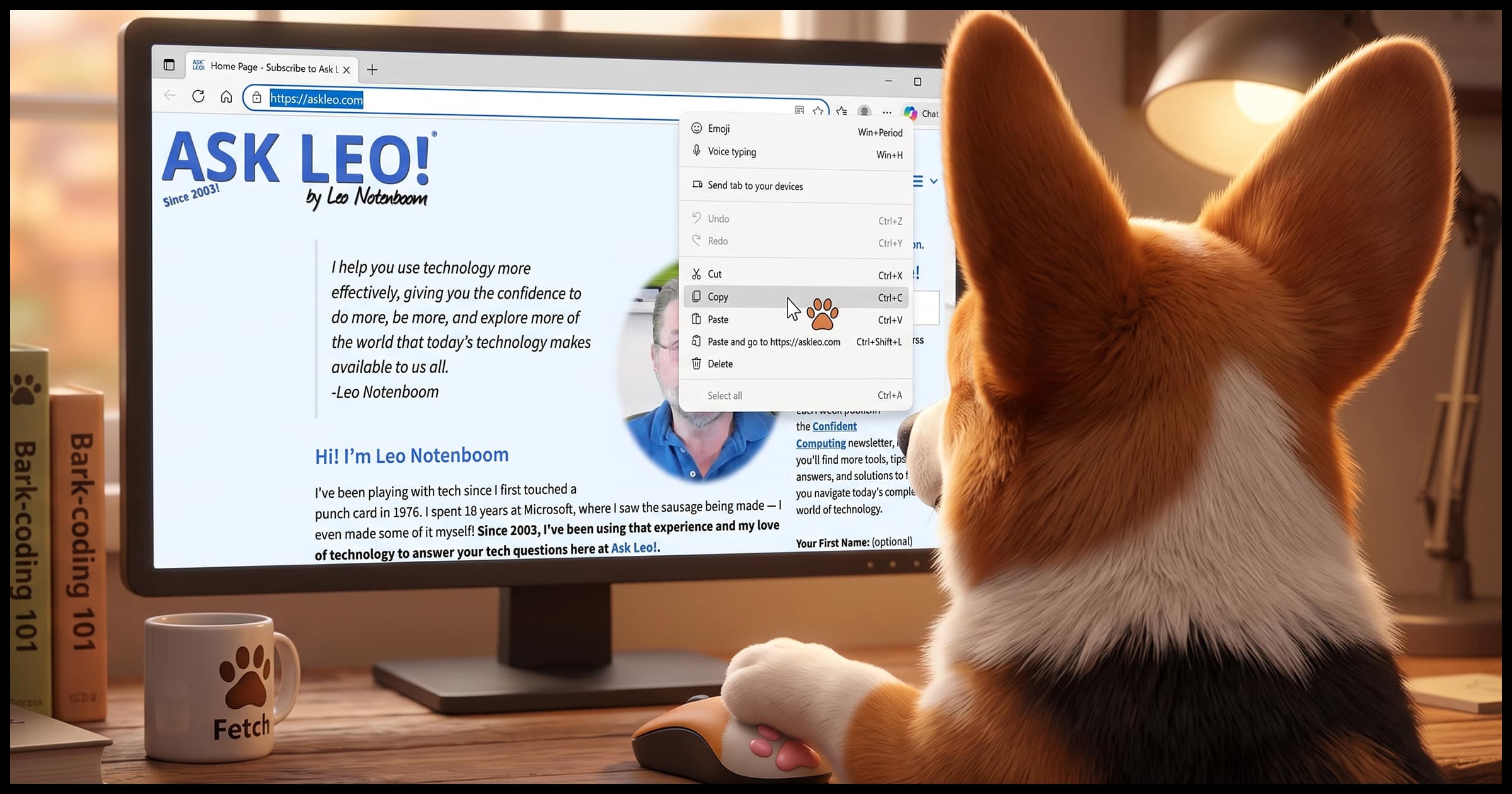
Tips, Tricks, and Best Practices for Sharing Links
How to share URLs that work.
Sharing a link seems simple, but some methods create long, broken, or trackable URLs. I'll show you how to copy clean links, strip out tracking codes, shorten long URLs, link to a highlight or video moment, and check that the link will work.


How to Avoid Ransomware
Three things you're hopefully already doing.
Ransomware can lock up every file on your computer and hold it hostage until you pay. I'll discuss defenses that work, why backups are your best insurance, and why you should never, ever pay the ransom.
Read: How to Avoid Ransomware

How Do I Make Sure Windows is Really, Completely Up to Date?
"As up to date as possible" is an important recommendation.
Windows Update usually keeps your PC current, but not always right away. I'll show you how to check for updates until none are left, so you can be confident your Windows computer is as up to date as it can be.
Read: How Do I Make Sure Windows is Really, Completely Up to Date?

Your 6 Strongest Practical Password Techniques, Ranked
Aim for the best.
Not all passwords are created equal. Some resist hackers for centuries; others fall in seconds. I'll rank six password techniques from strongest to weakest, including one horrible password I still remember from 45 years ago, and how even that can be made secure.
Read: Your 6 Strongest Practical Password Techniques, Ranked
The Easy-to-Avoid Two-Factor Loss Risk
No need to worry about losing your second factor… if you do this first.
Two-factor authentication keeps your accounts safe, but what happens if you lose your phone or key fob? I'll walk you through what you need to do now so you never need to worry about being locked out later.
Ask Leo! Tip of the Day
For Bronze patrons of Ask Leo!
- Tip of the Day: The Difference Between Update and Upgrade
- Tip of the Day: Check Online Service Status
- Tip of the Day: Share Links, not Documents, for Privacy
- Tip of the Day: Connect Your Laptop to a Wired Network Too
- Tip of the Day: Icons in Shell32.dll


TEH Podcast
Find the latest episode here.
Ask Leo! on YouTube
Subscribe to Ask Leo! on YouTube.
The Easy-to-Avoid Two-Factor Loss Risk

Two-factor authentication keeps your accounts safe, but what happens if you lose your phone or key fob? I'll walk you through what you need to do now so you never need to worry about being locked out later.
Your 6 Strongest Practical Password Techniques, Ranked

Not all passwords are created equal. Some resist hackers for centuries; others fall in seconds. I'll rank six password techniques from strongest to weakest, including one horrible password I still remember from 45 years ago, and how even that can be made secure.
Watch: Your 6 Strongest Practical Password Techniques, Ranked
How Do I Make Sure Windows is Really, Completely Up to Date?

Windows Update usually keeps your PC current, but not always right away. I'll show you how to check for updates until none are left, so you can be confident your Windows computer is as up to date as it can be.
Watch: How Do I Make Sure Windows is Really, Completely Up to Date?
Tips, Tricks, and Best Practices for Sharing Links

Sharing a link seems simple, but some methods create long, broken, or trackable URLs. I'll show you how to copy clean links, strip out tracking codes, shorten long URLs, link to a highlight or video moment, and check that the link will work.
How to Avoid Ransomware

Ransomware can lock up every file on your computer and hold it hostage until you pay. I'll discuss the real defenses that work, why backups are your best insurance, and why you should never, ever pay the ransom.
Watch: How to Avoid Ransomware
